Skip to content

← Website designBuild · Websites & Apps

Website design · Gallery

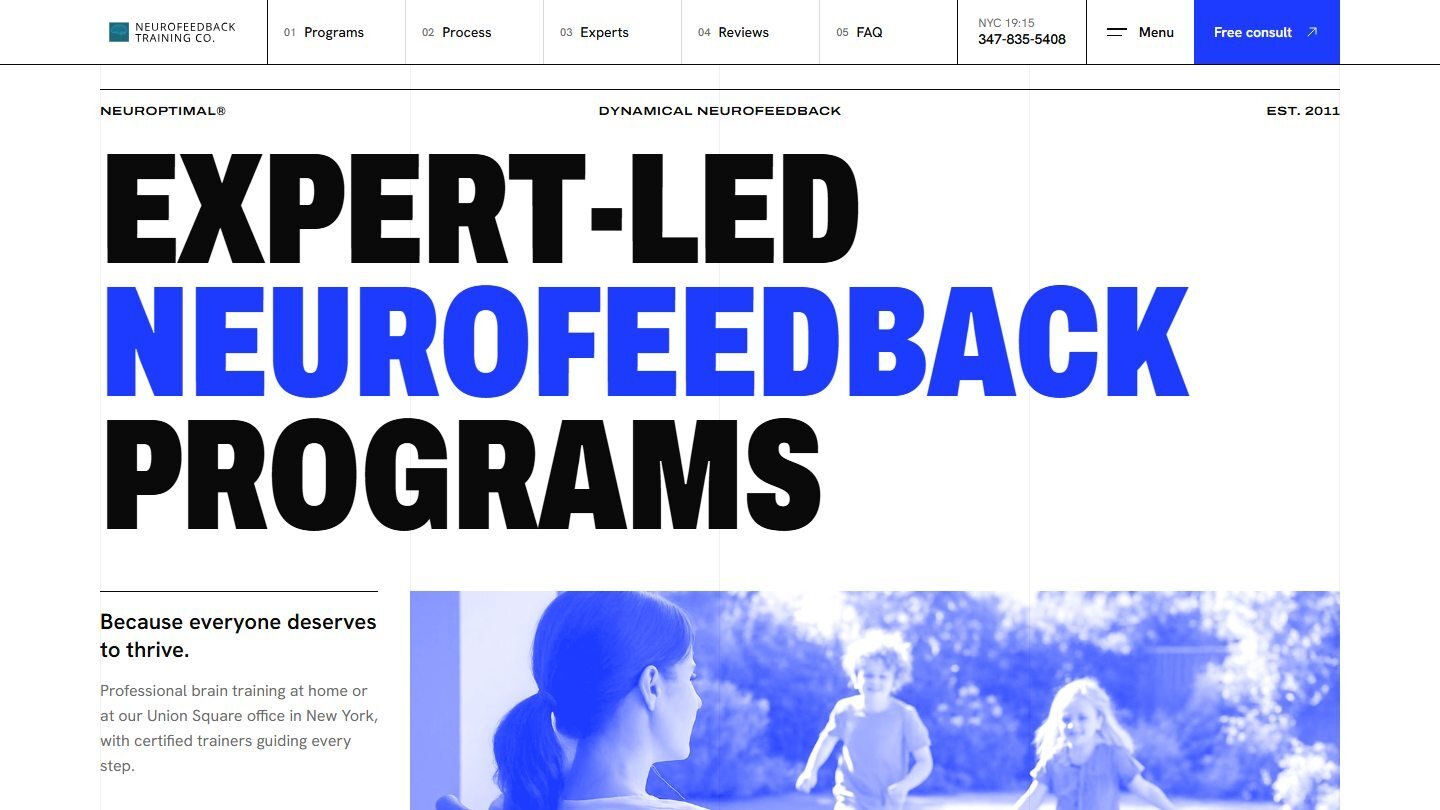
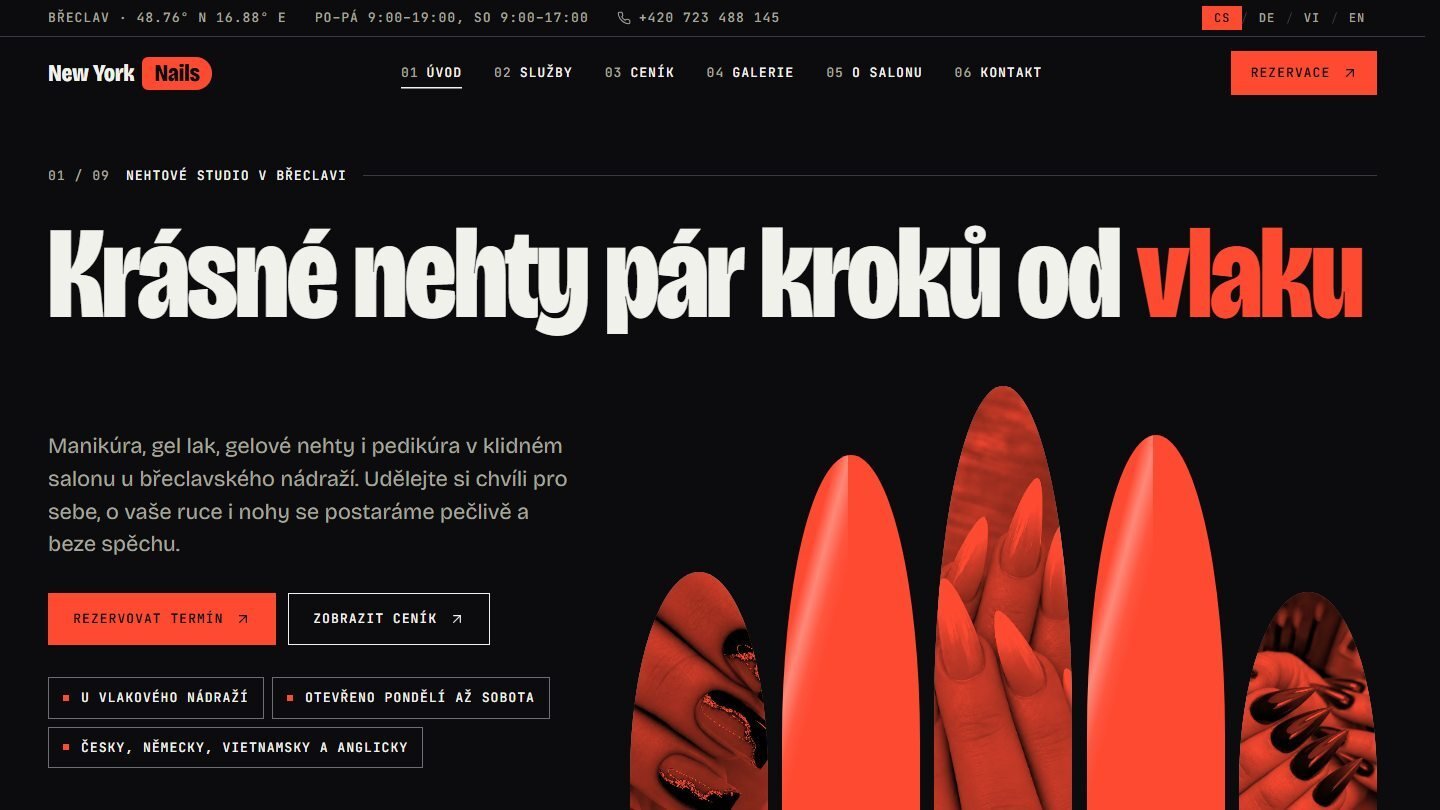
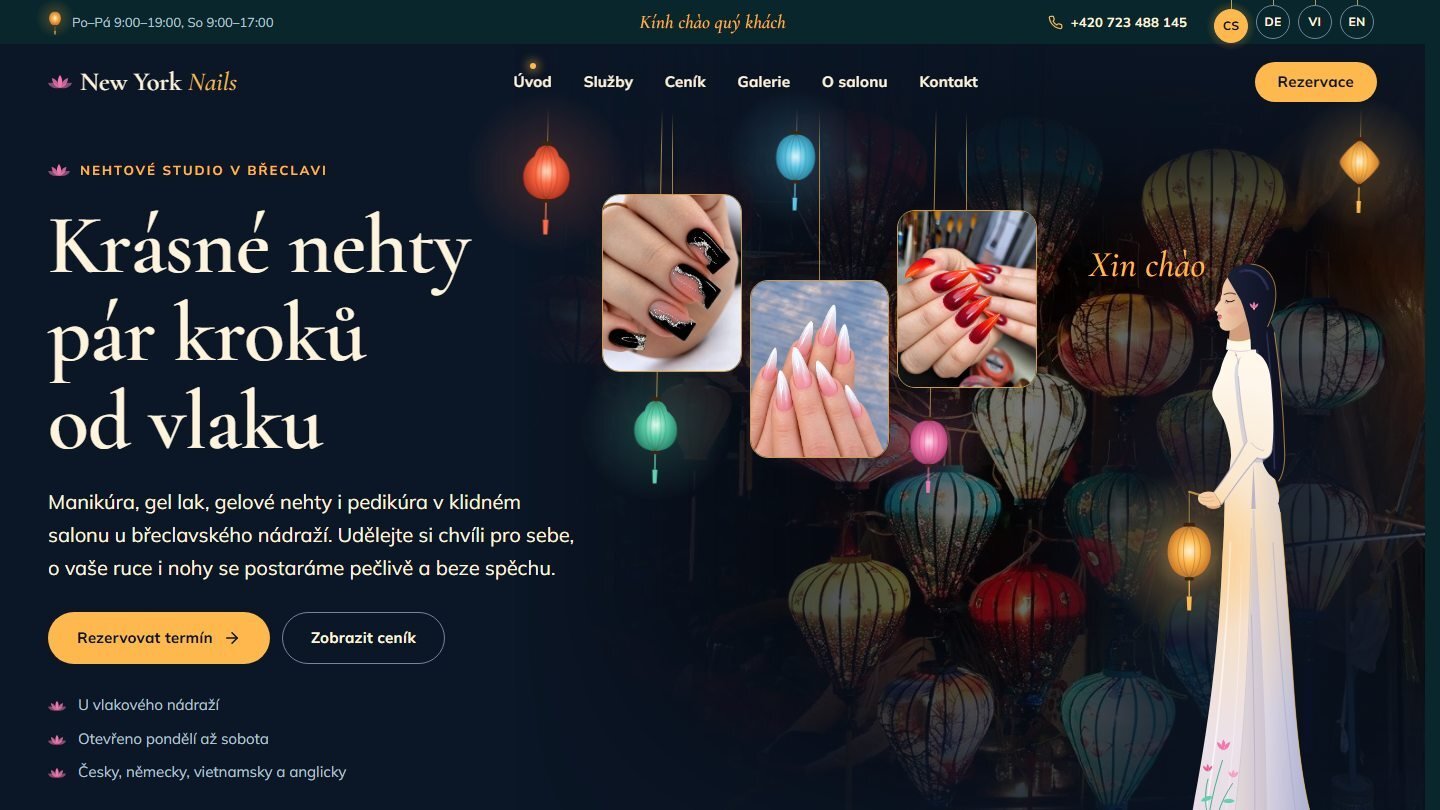
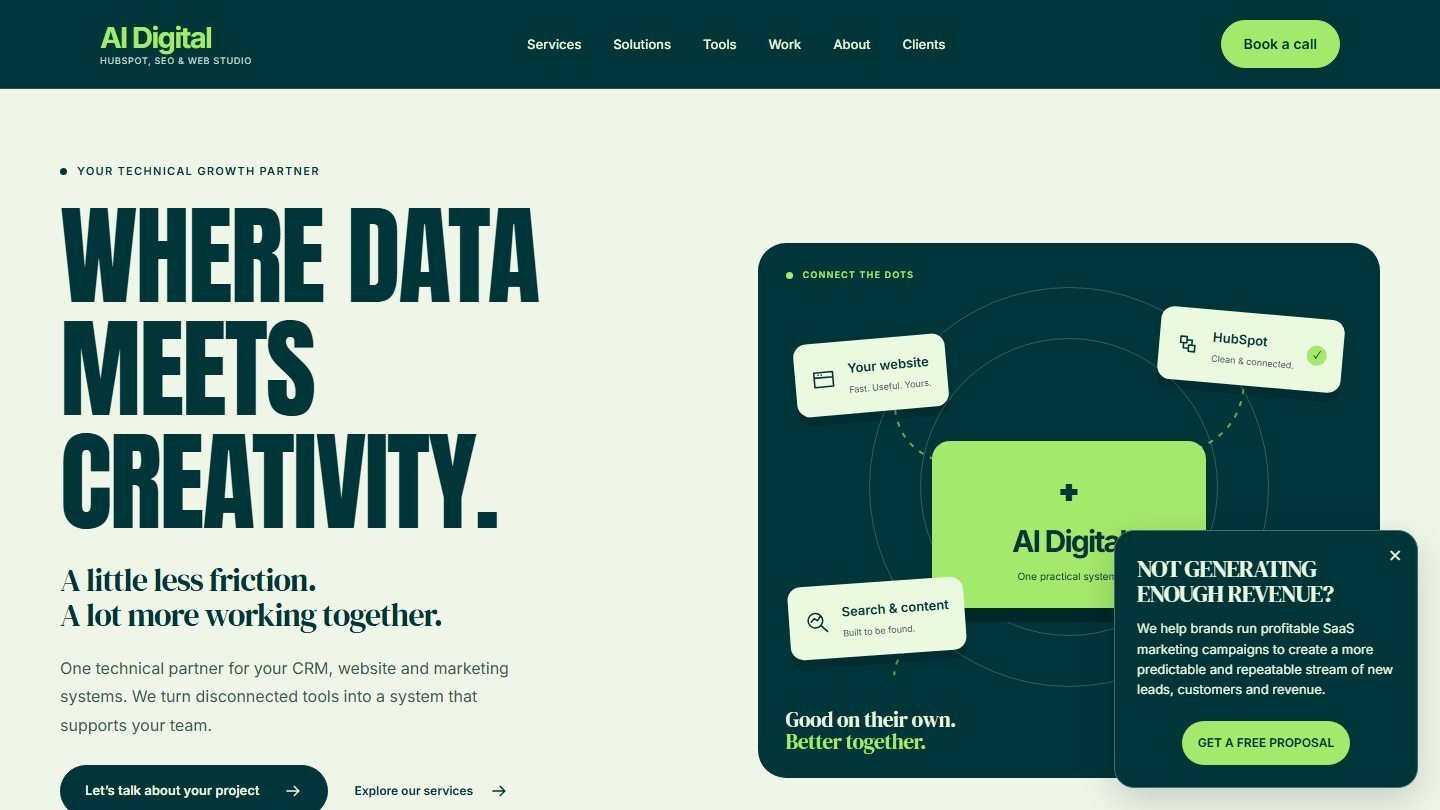
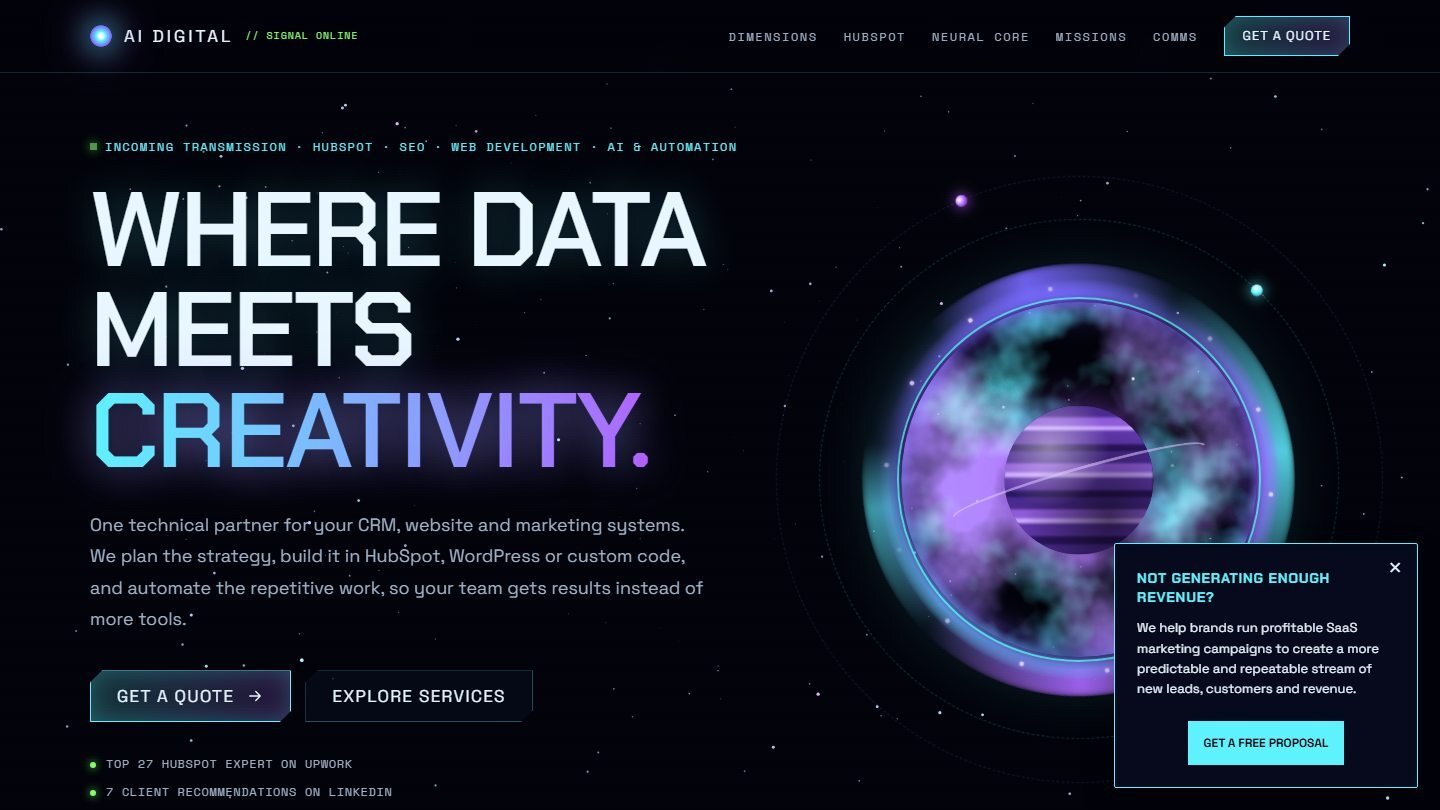
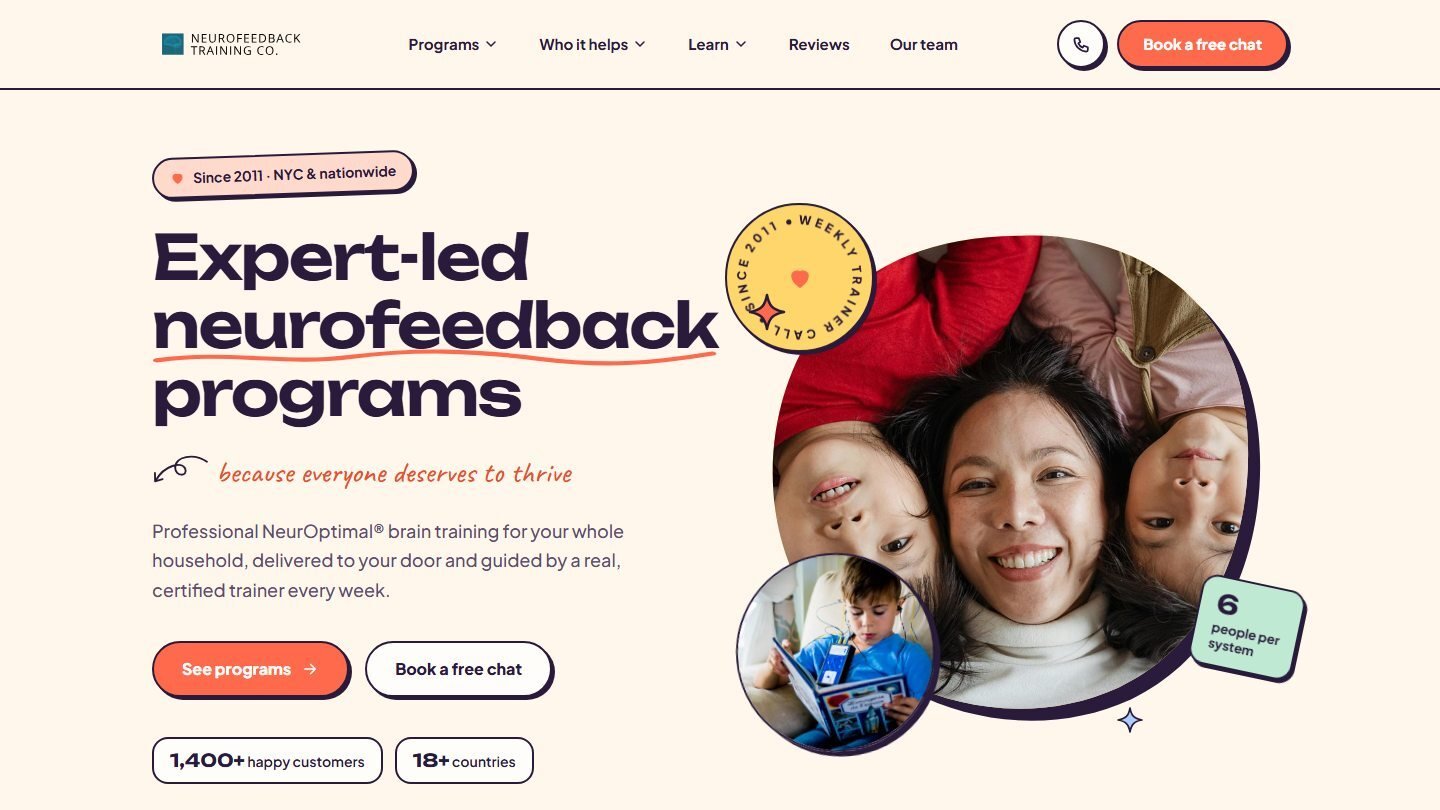
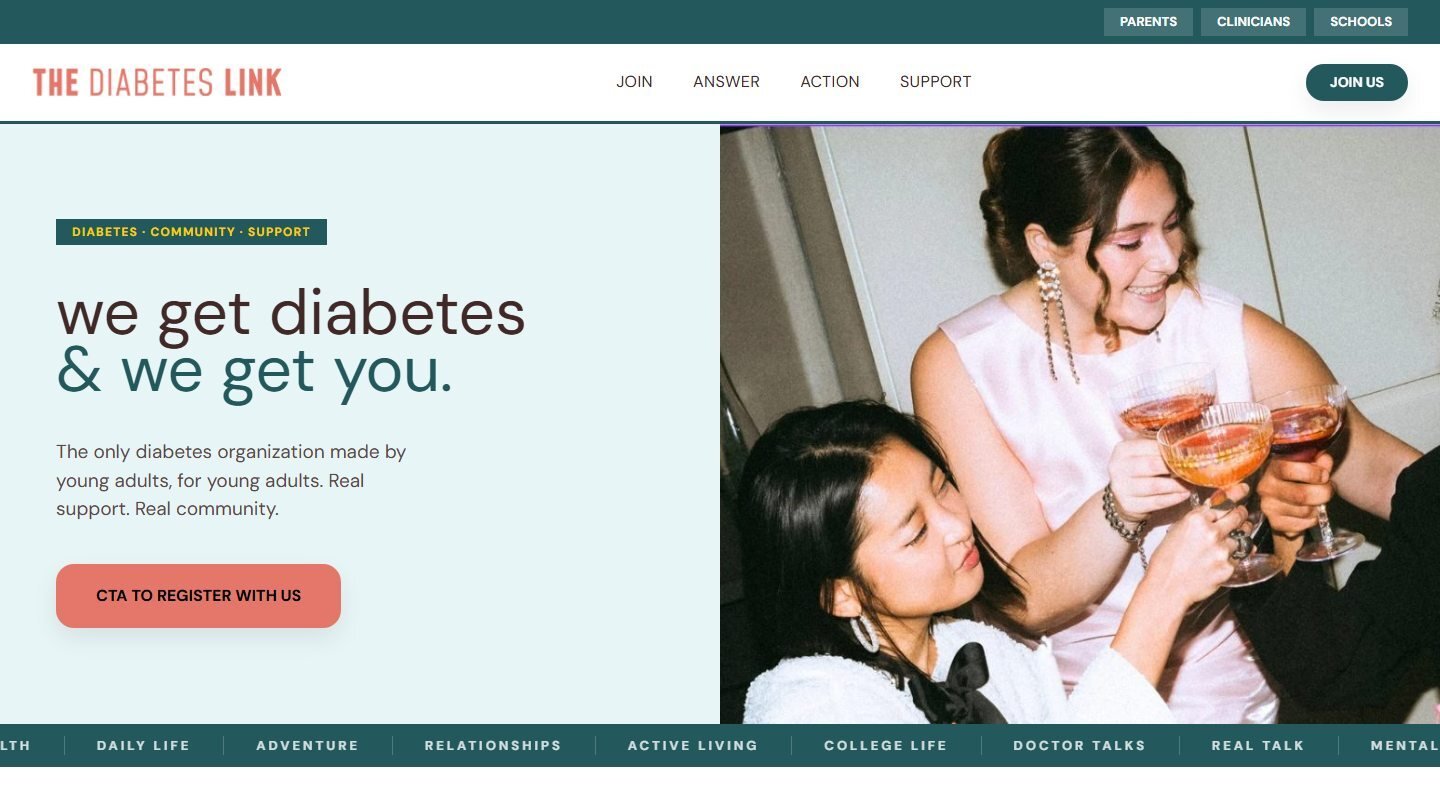
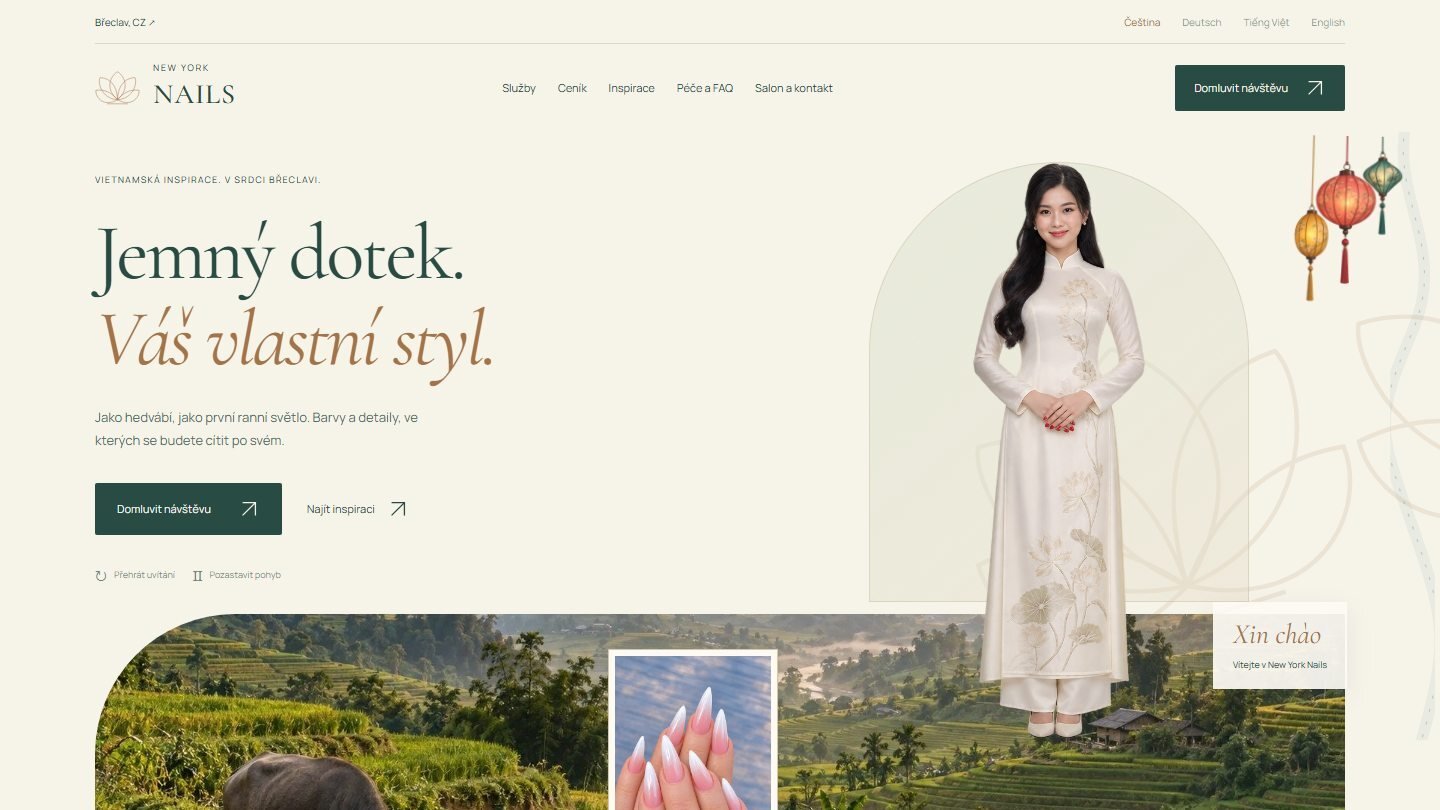
Design gallery

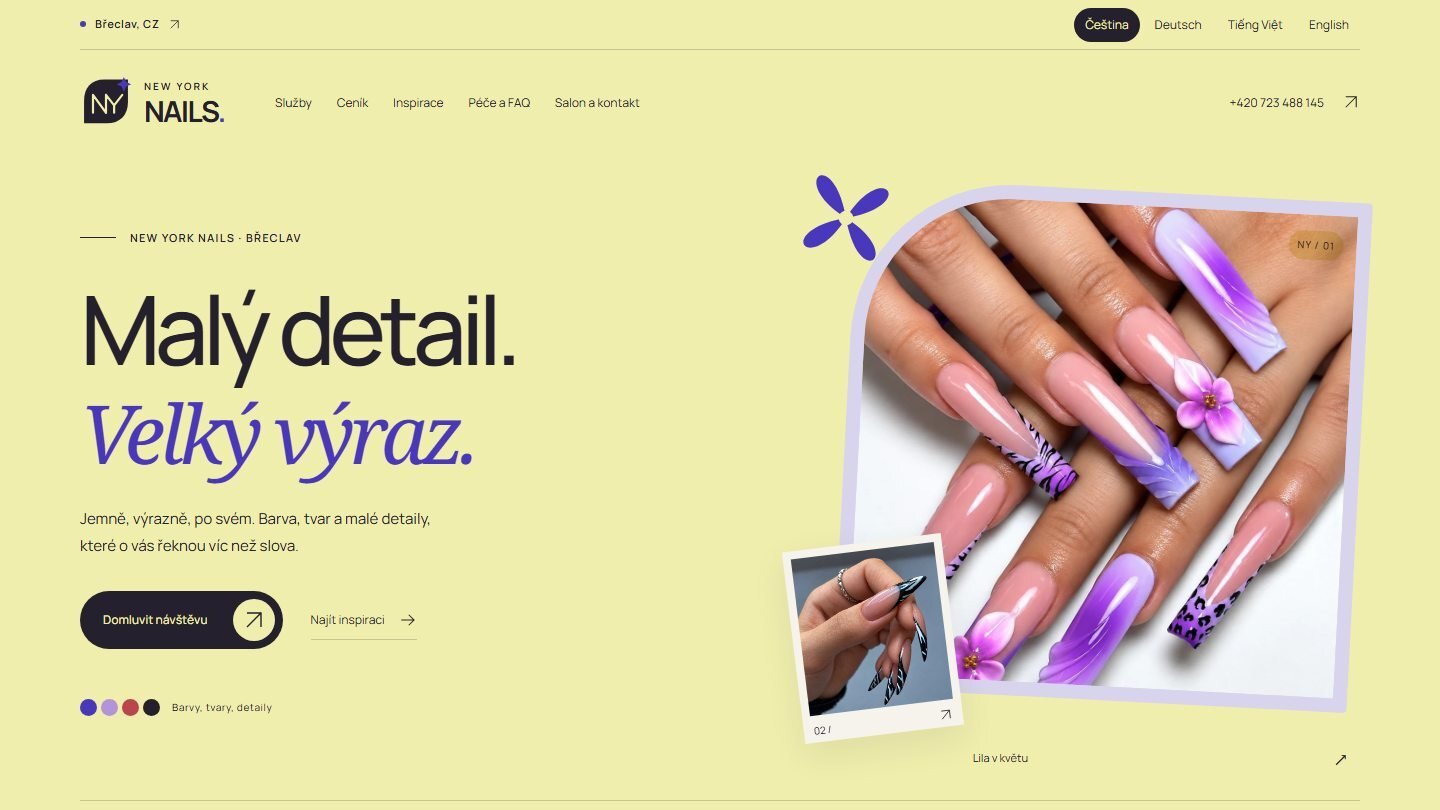
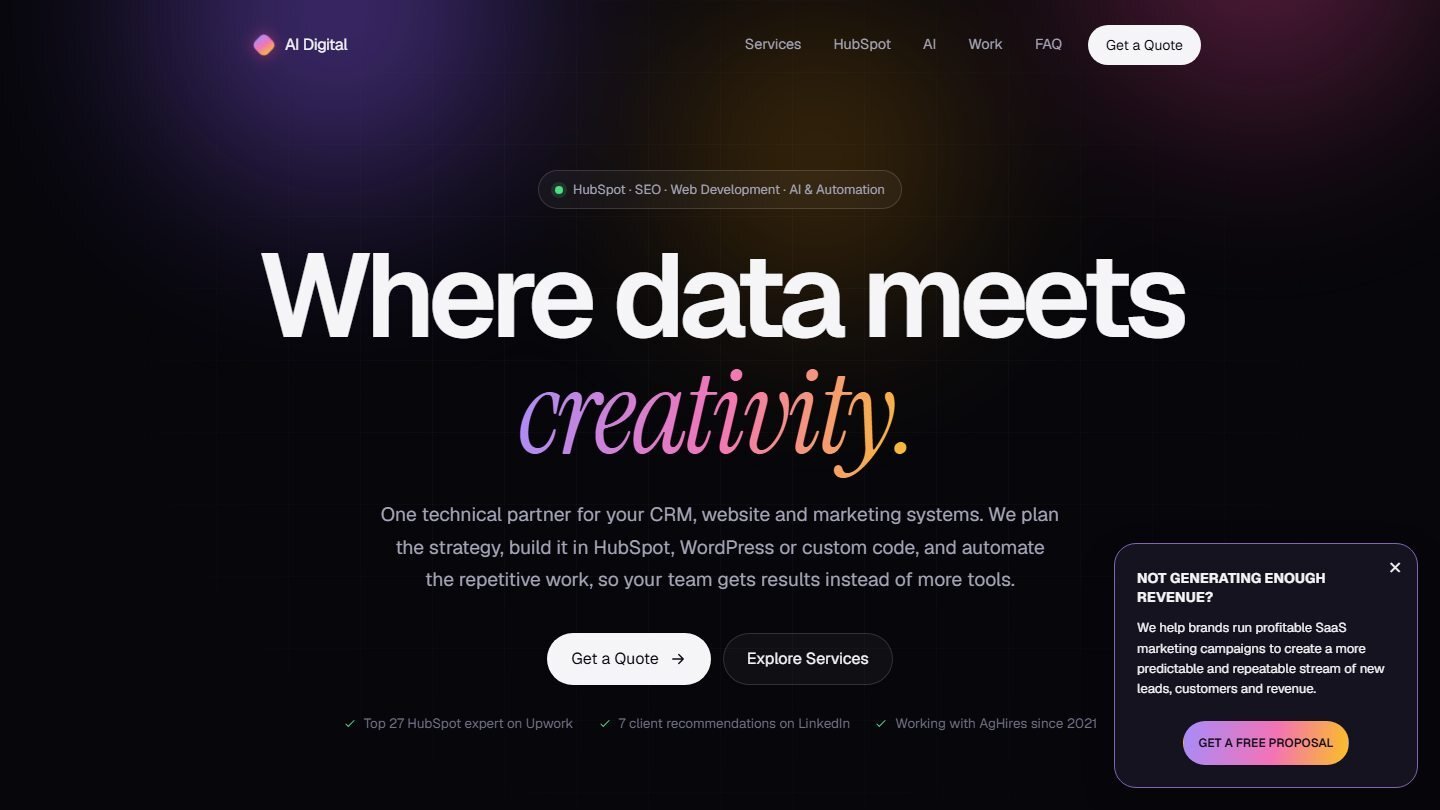
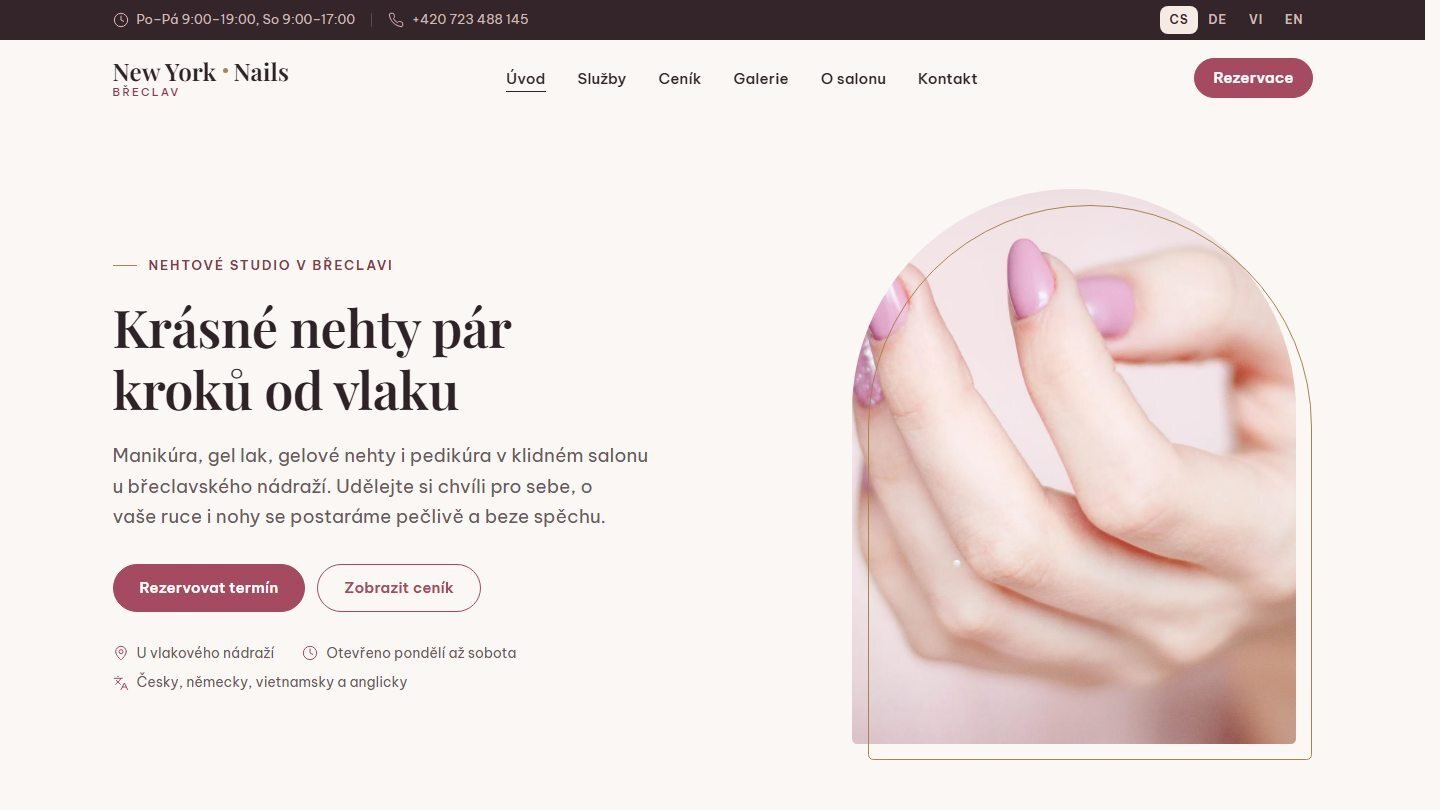
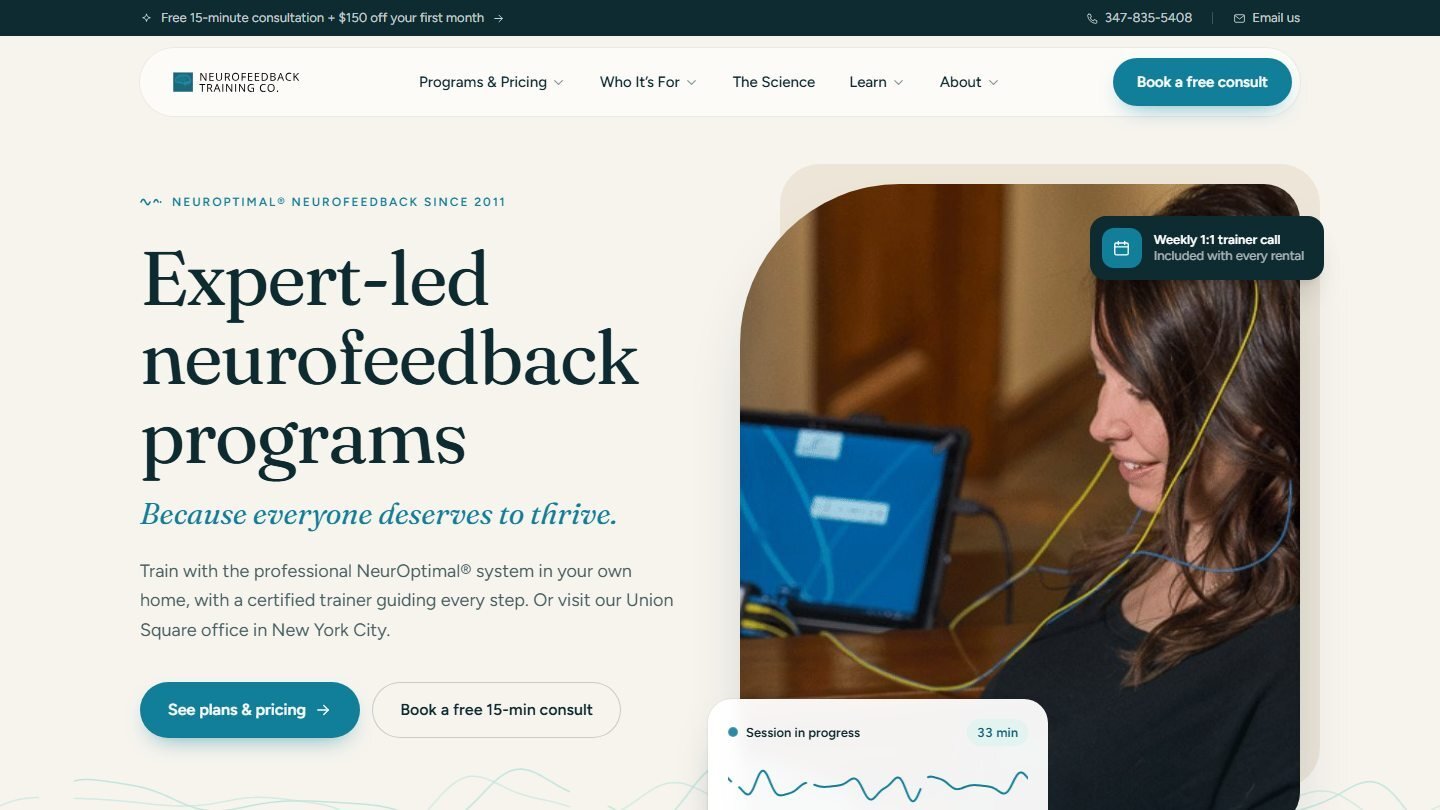
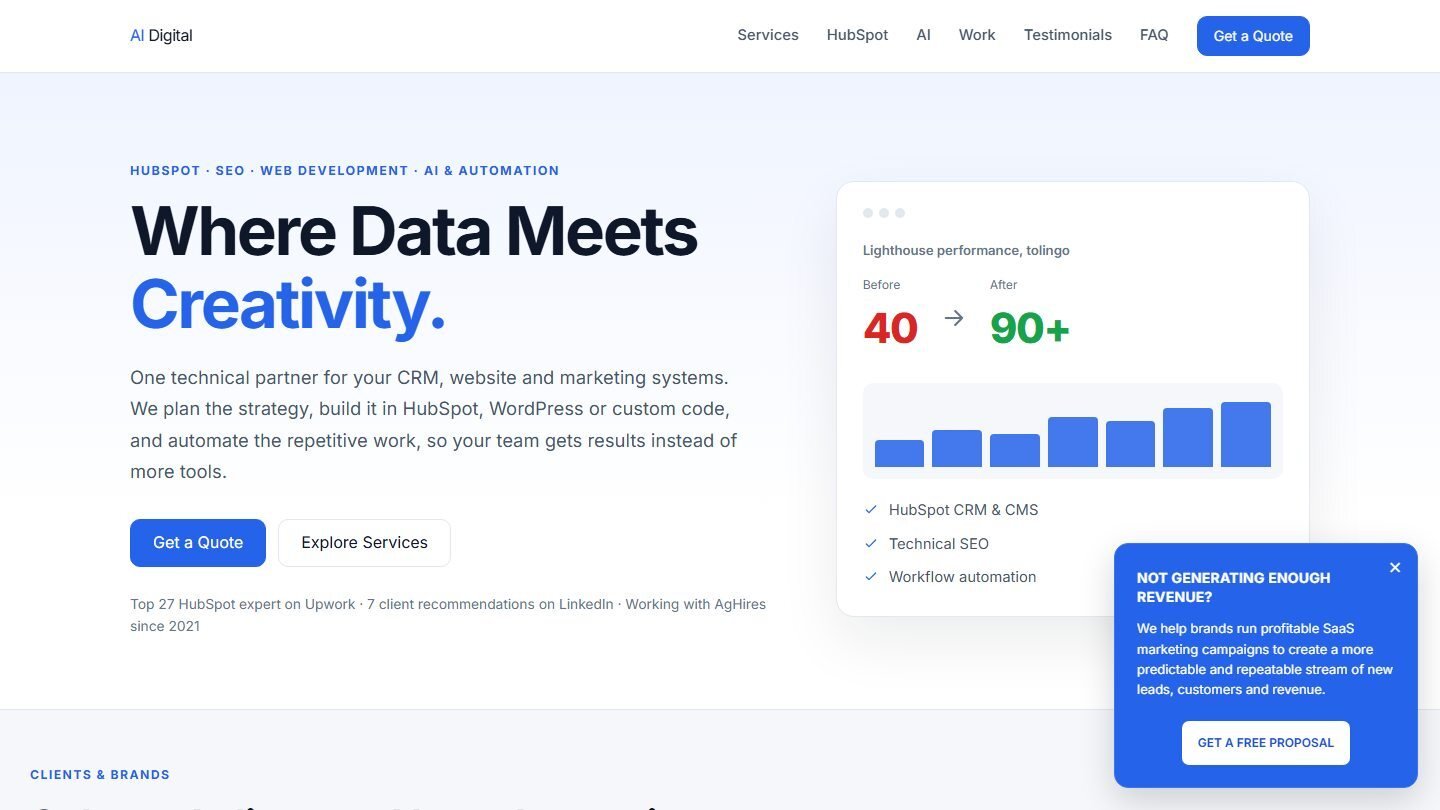
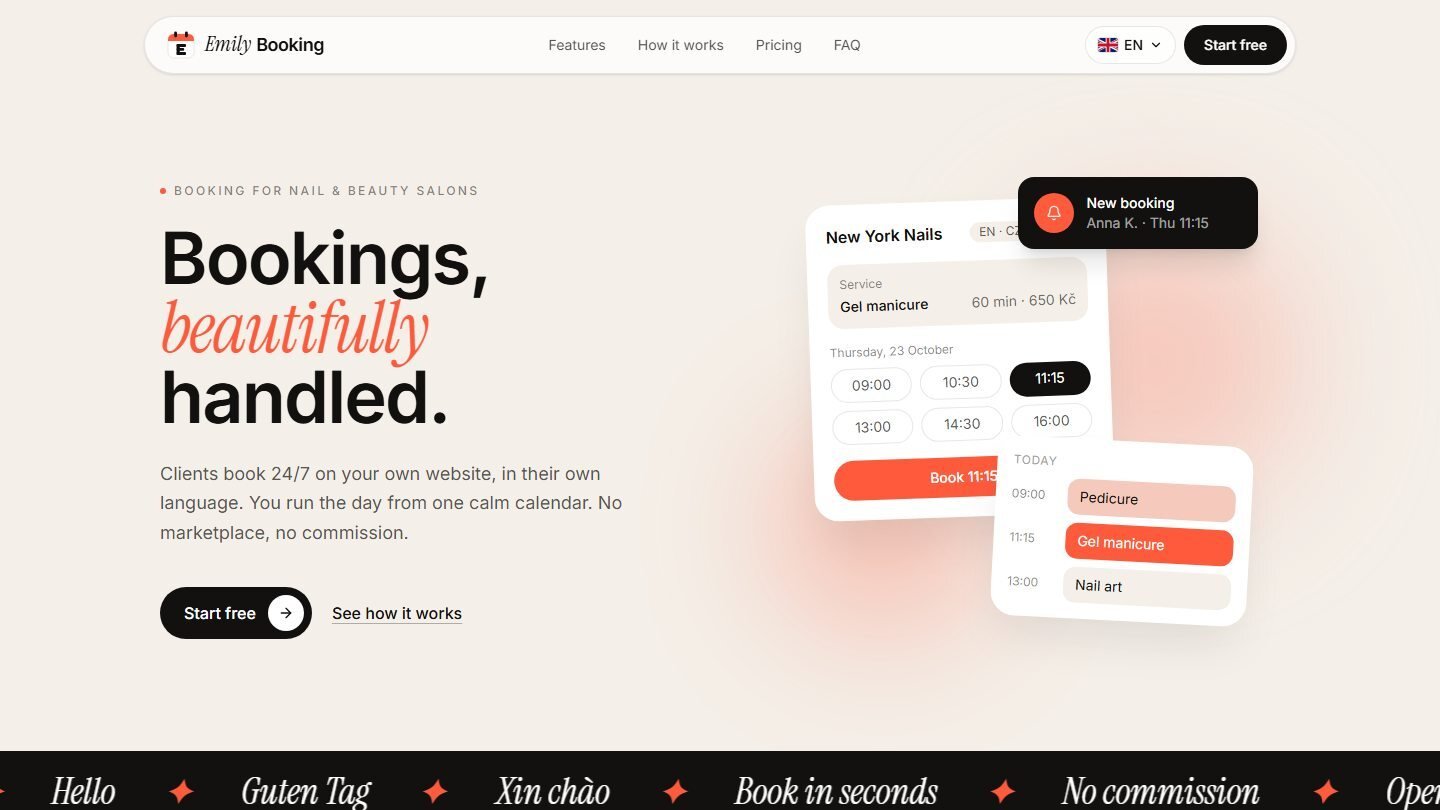
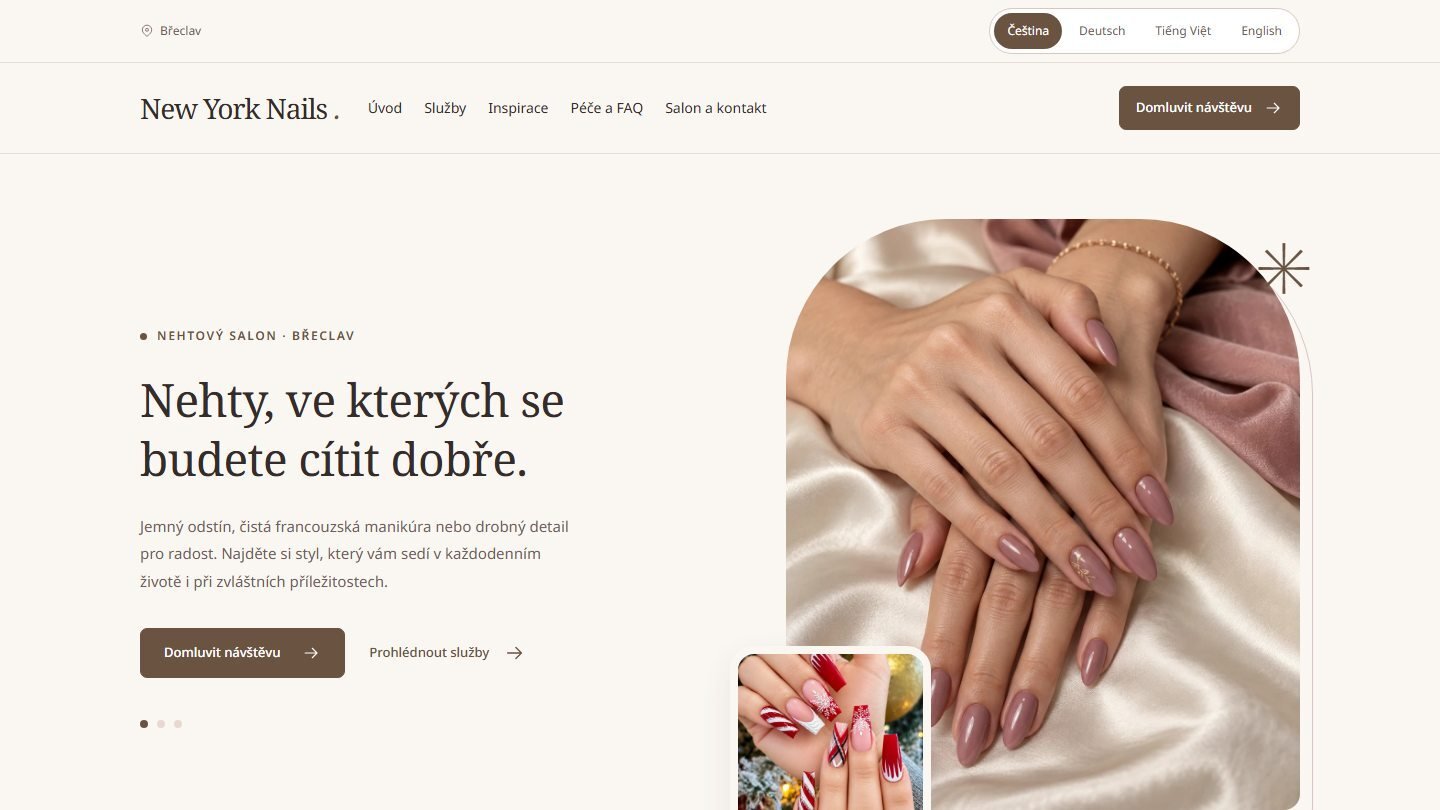
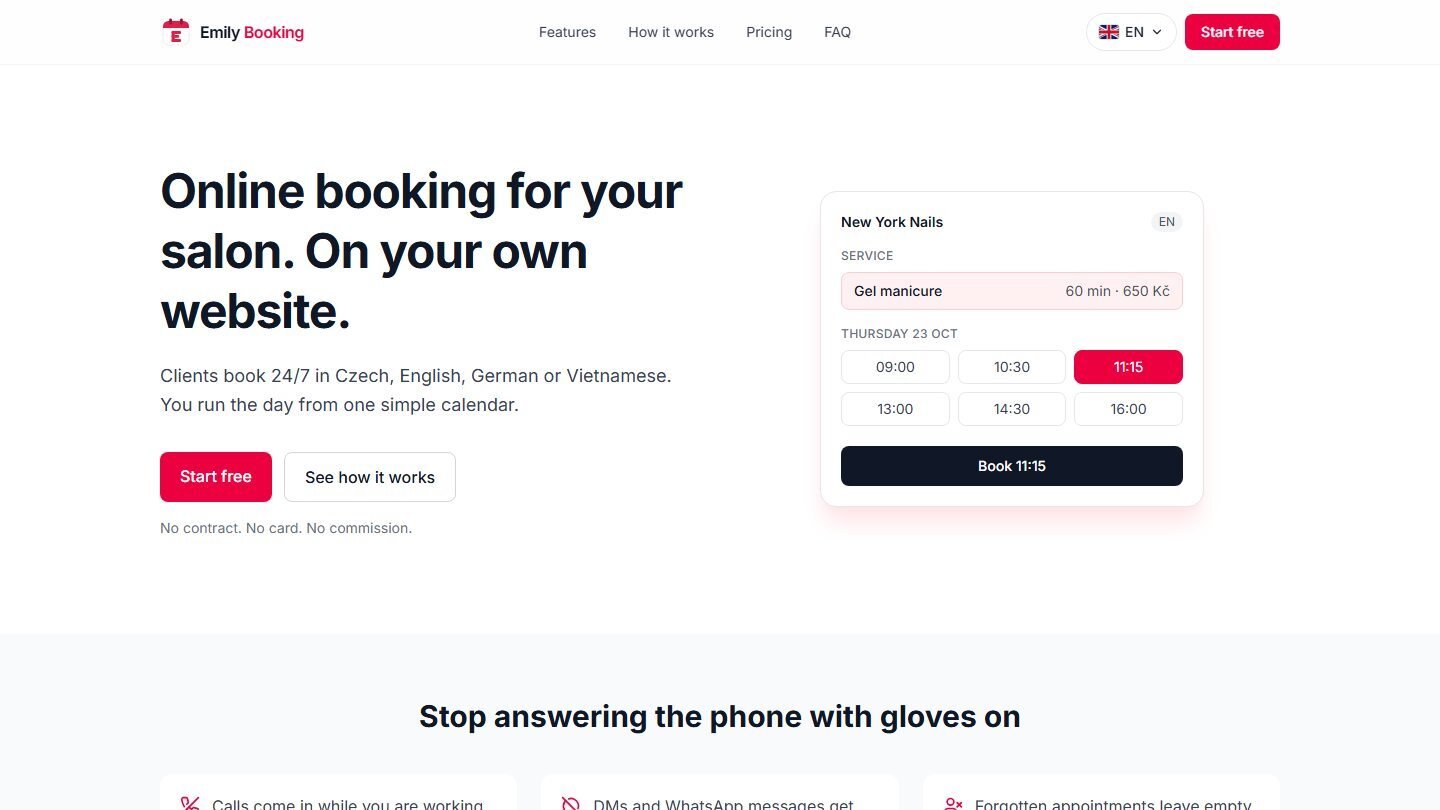
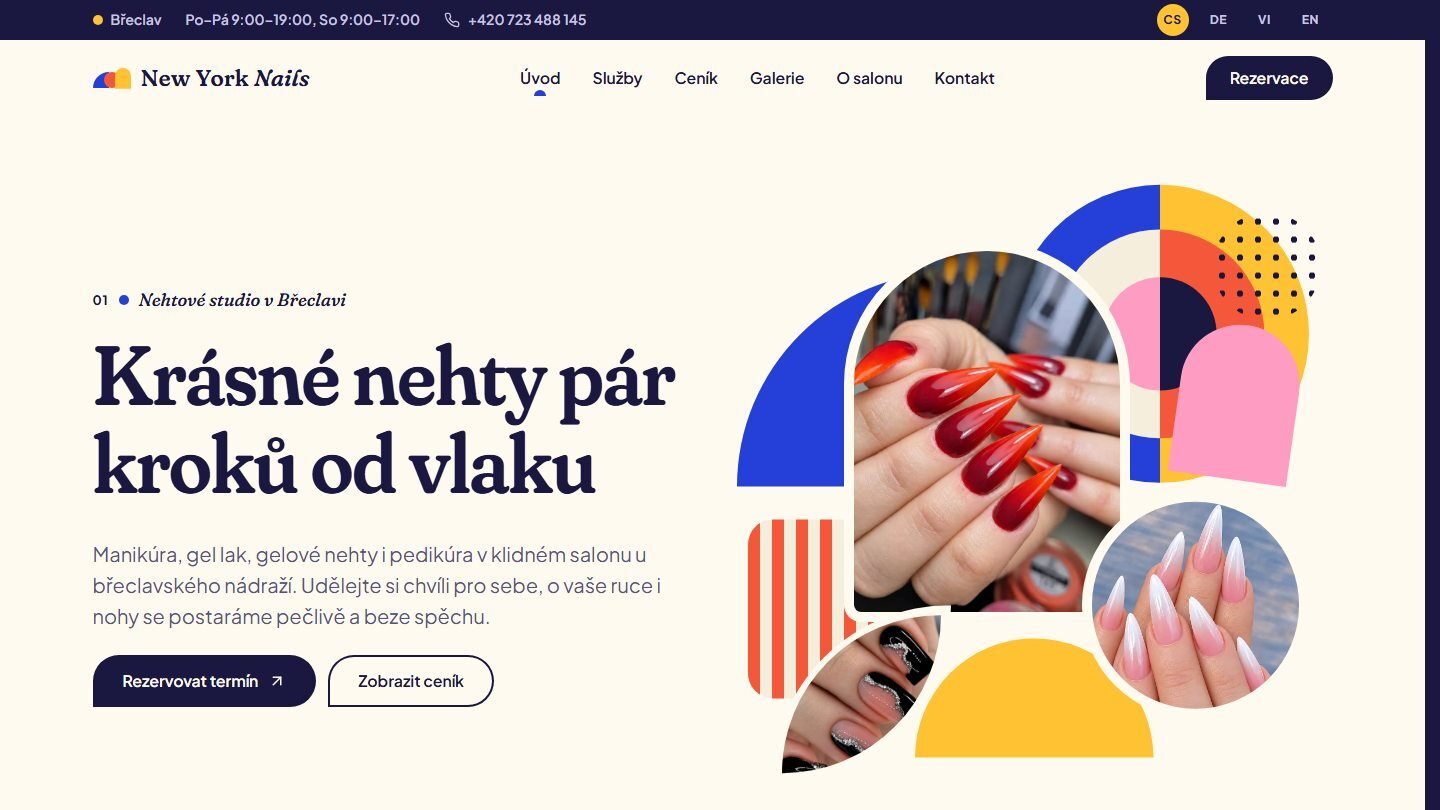
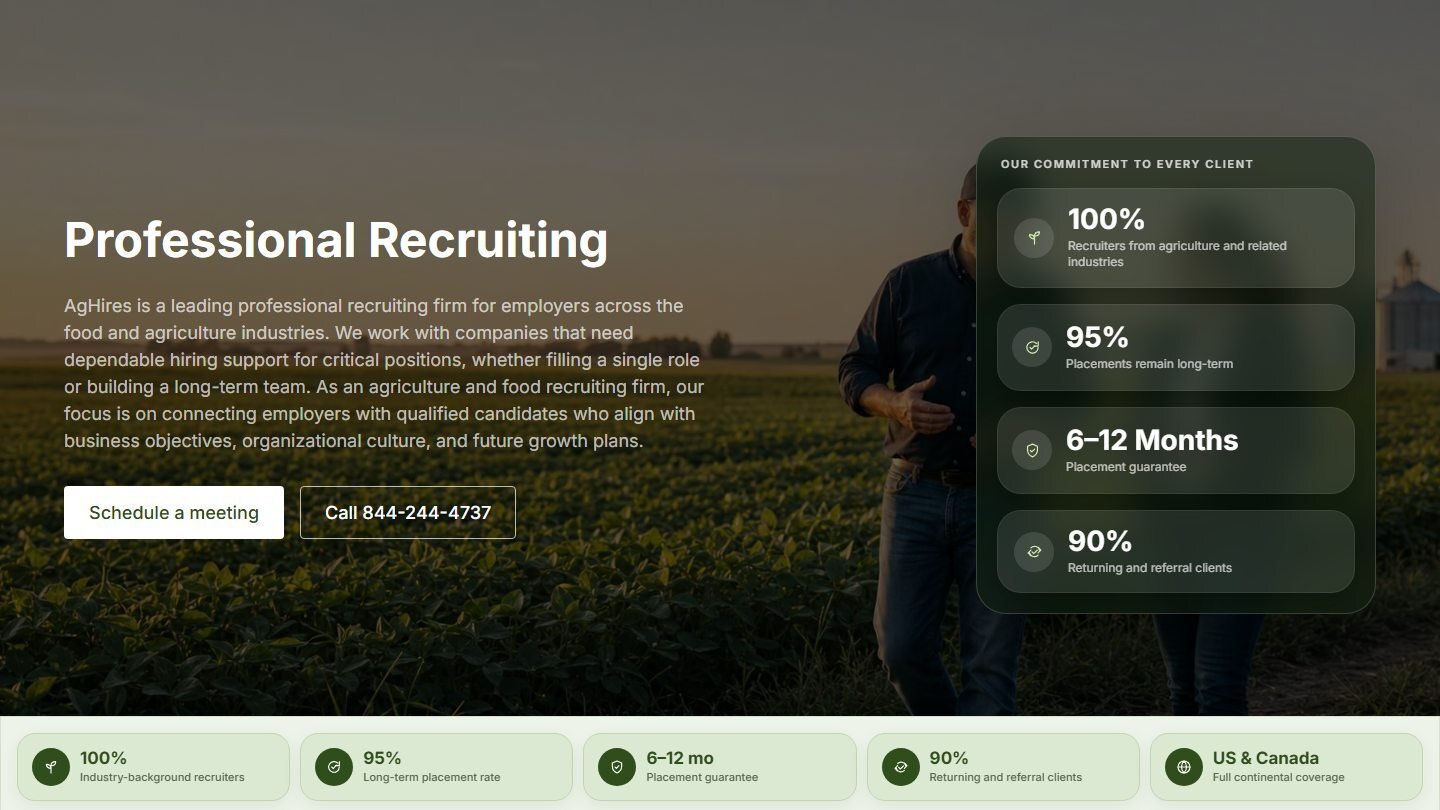
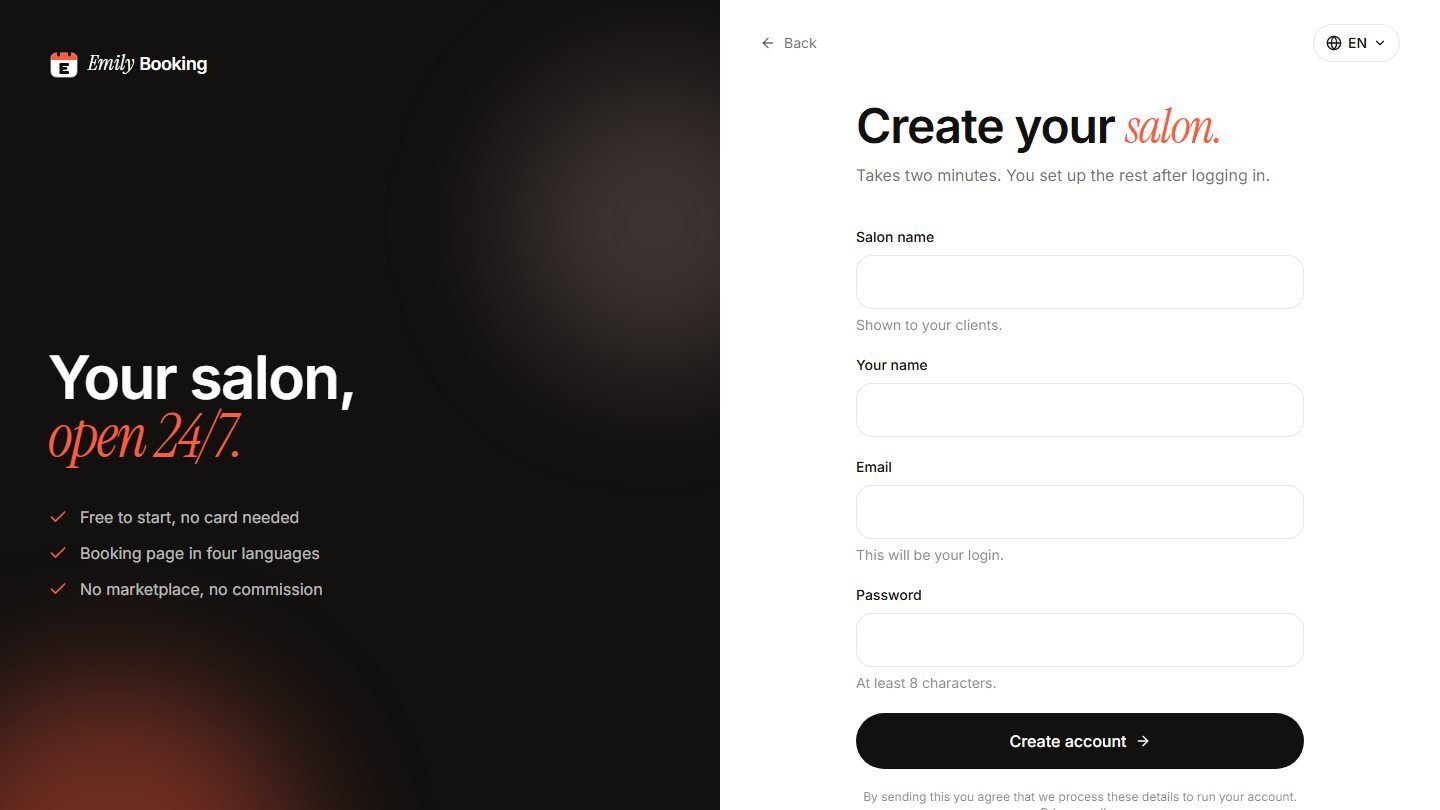
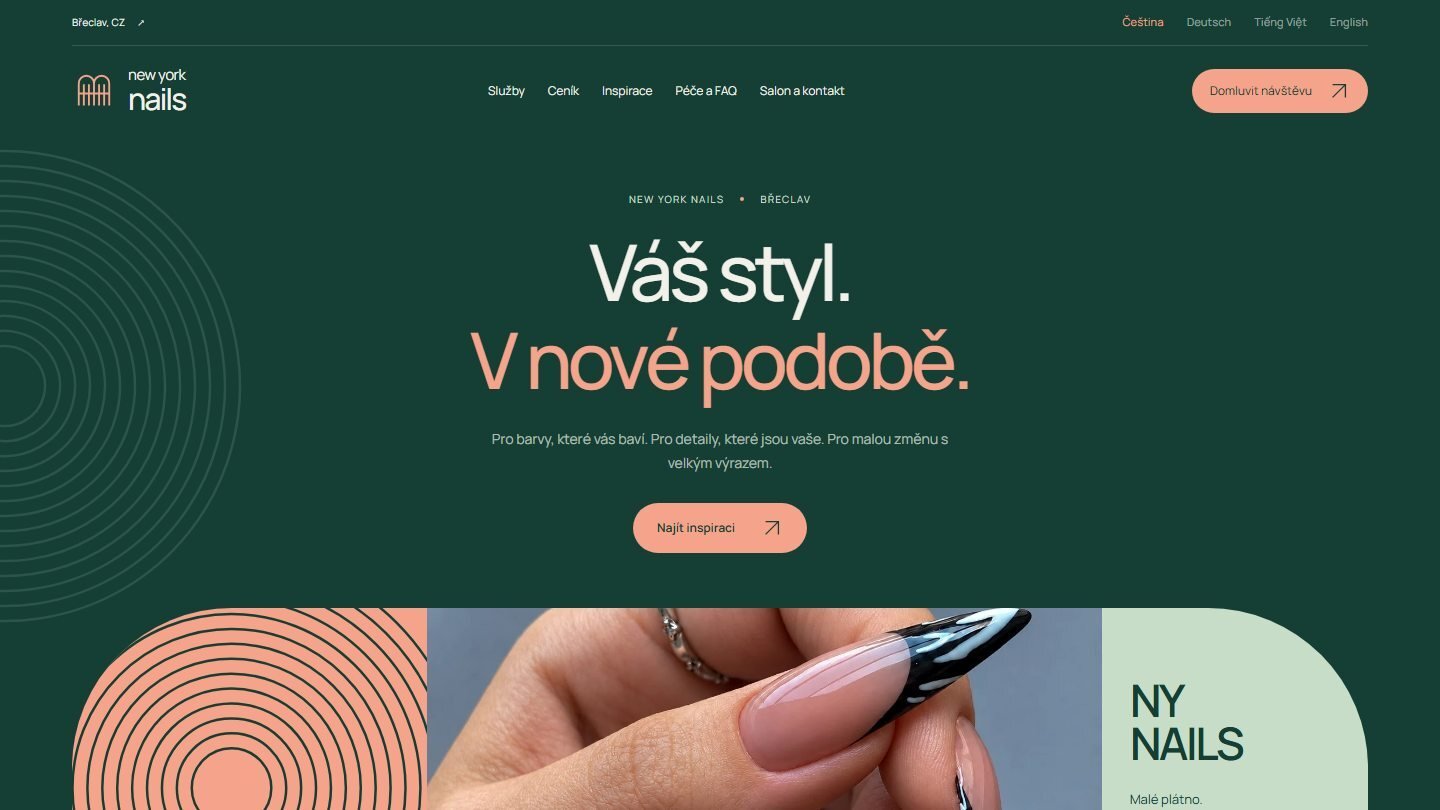
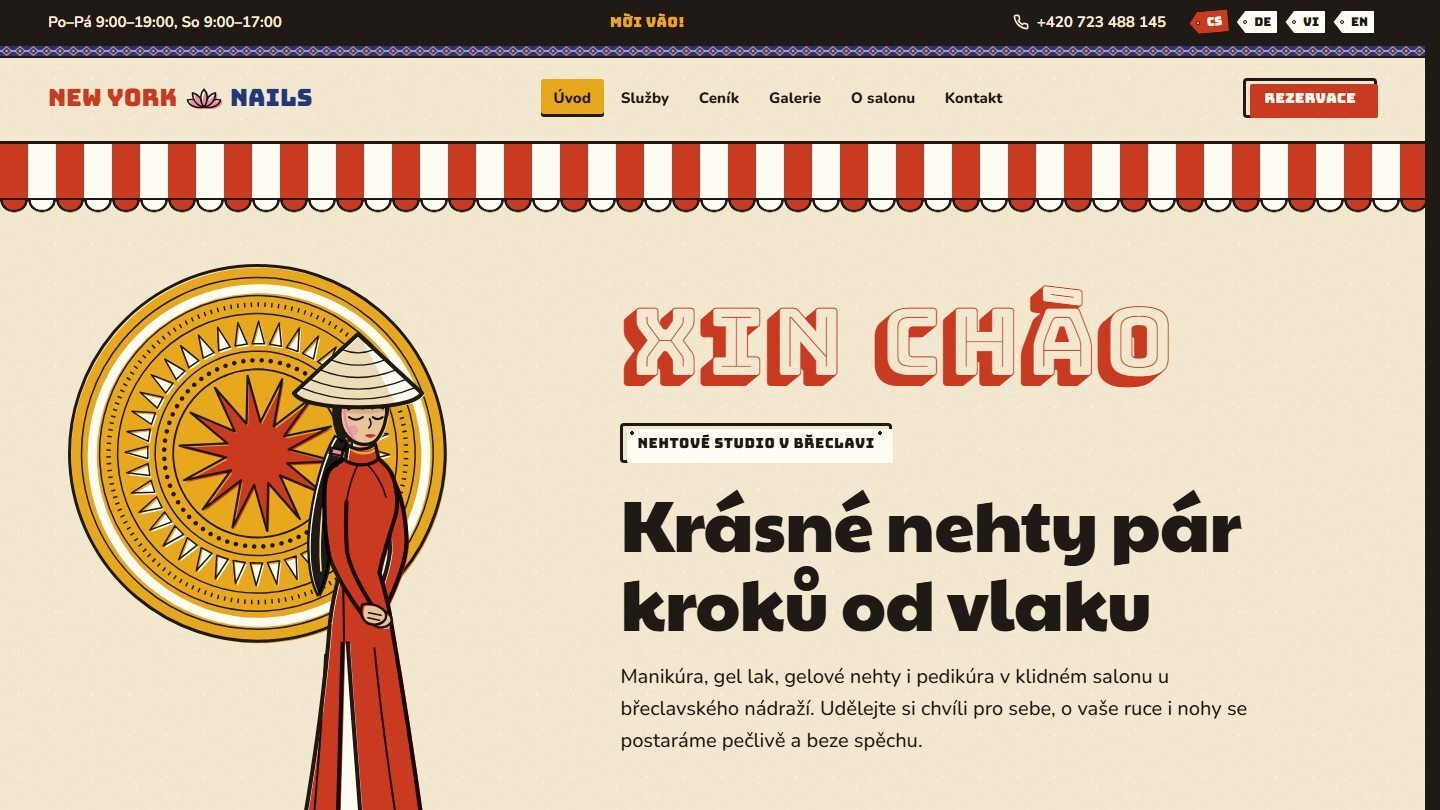
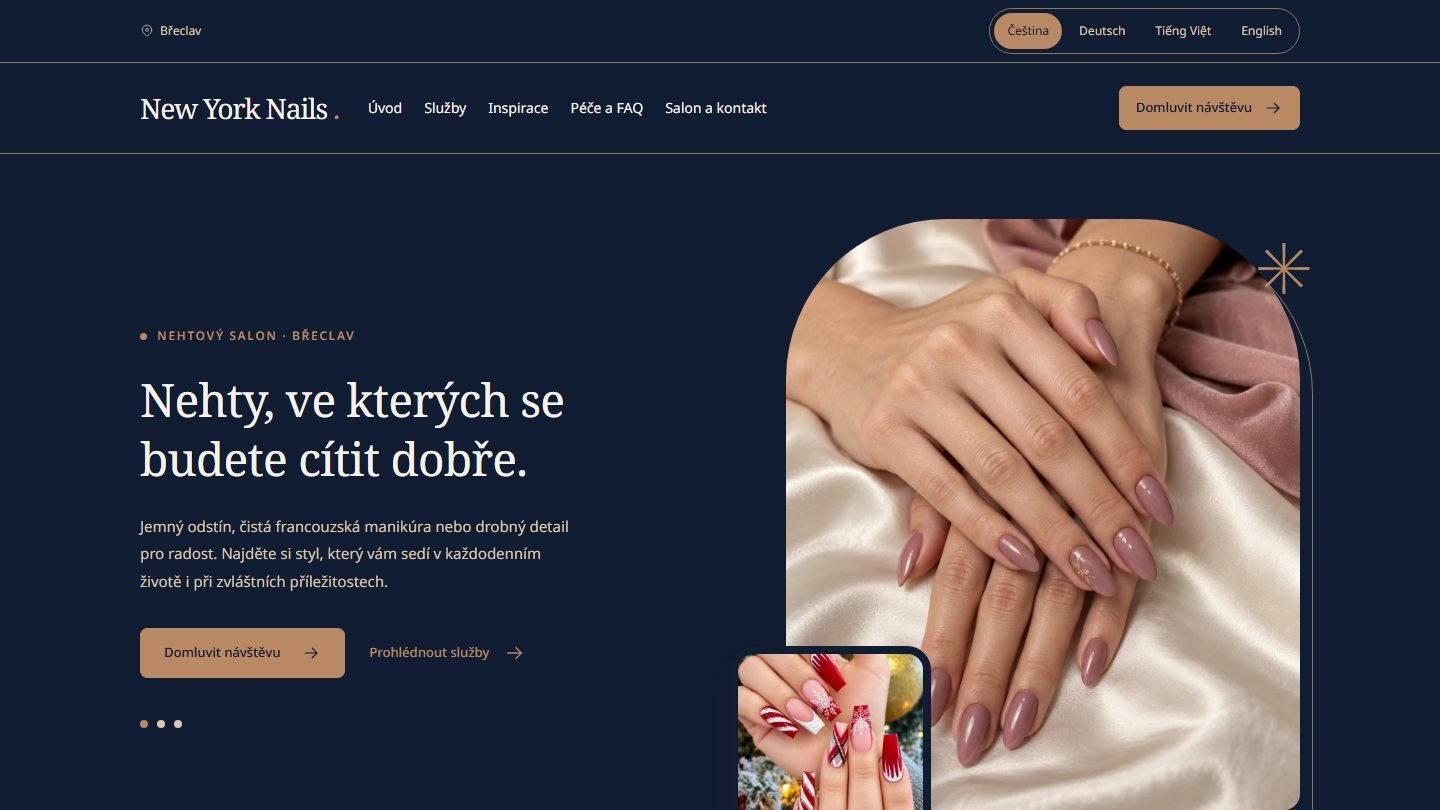
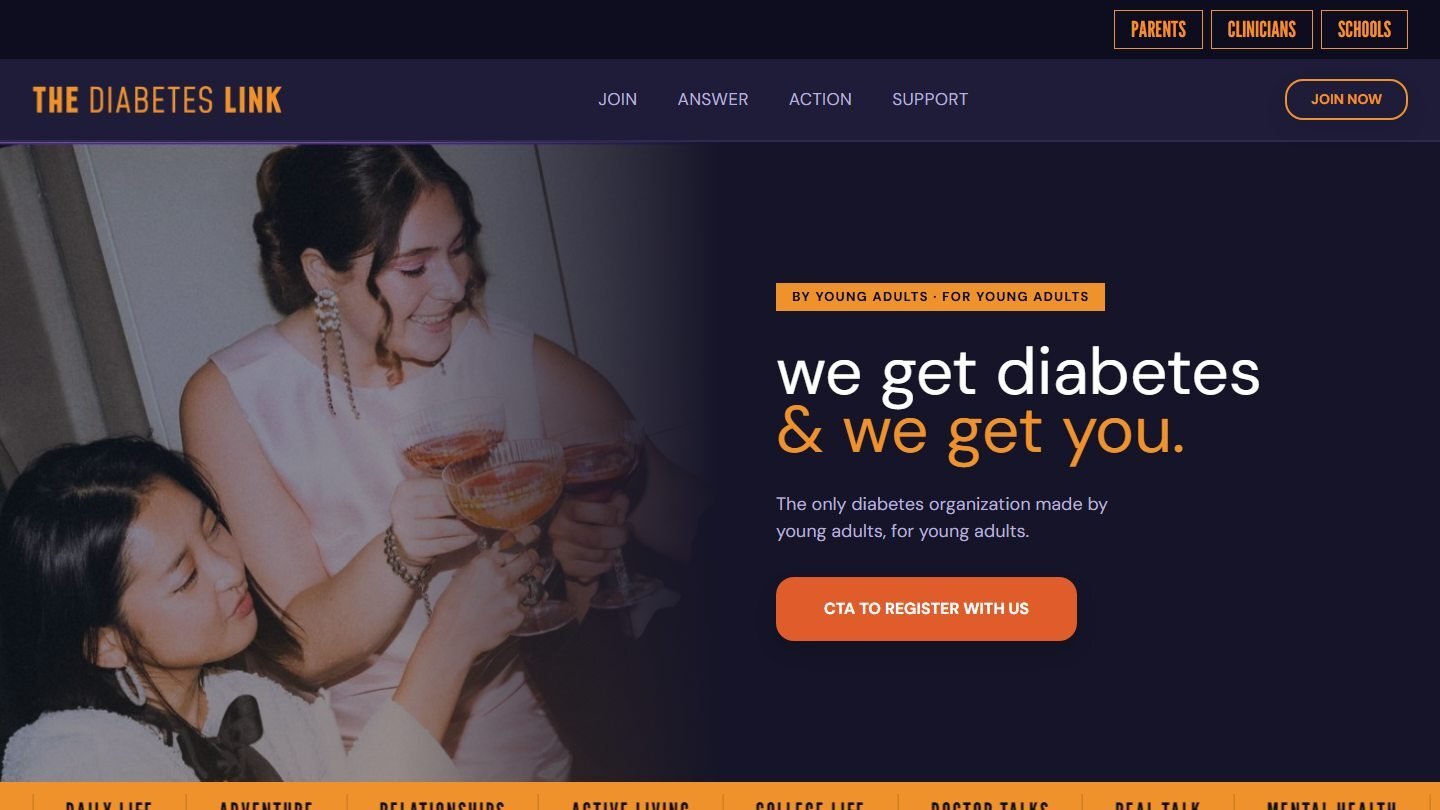
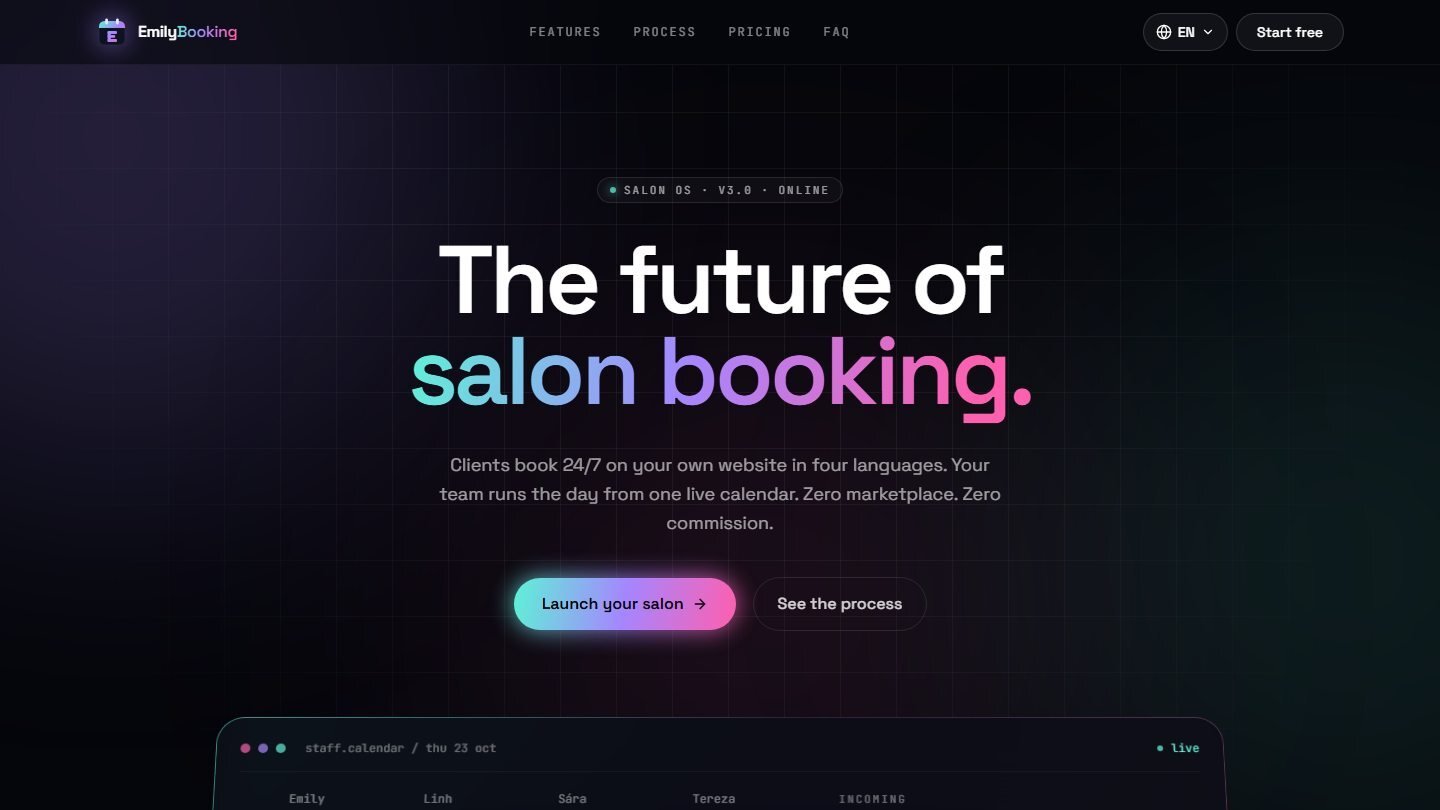
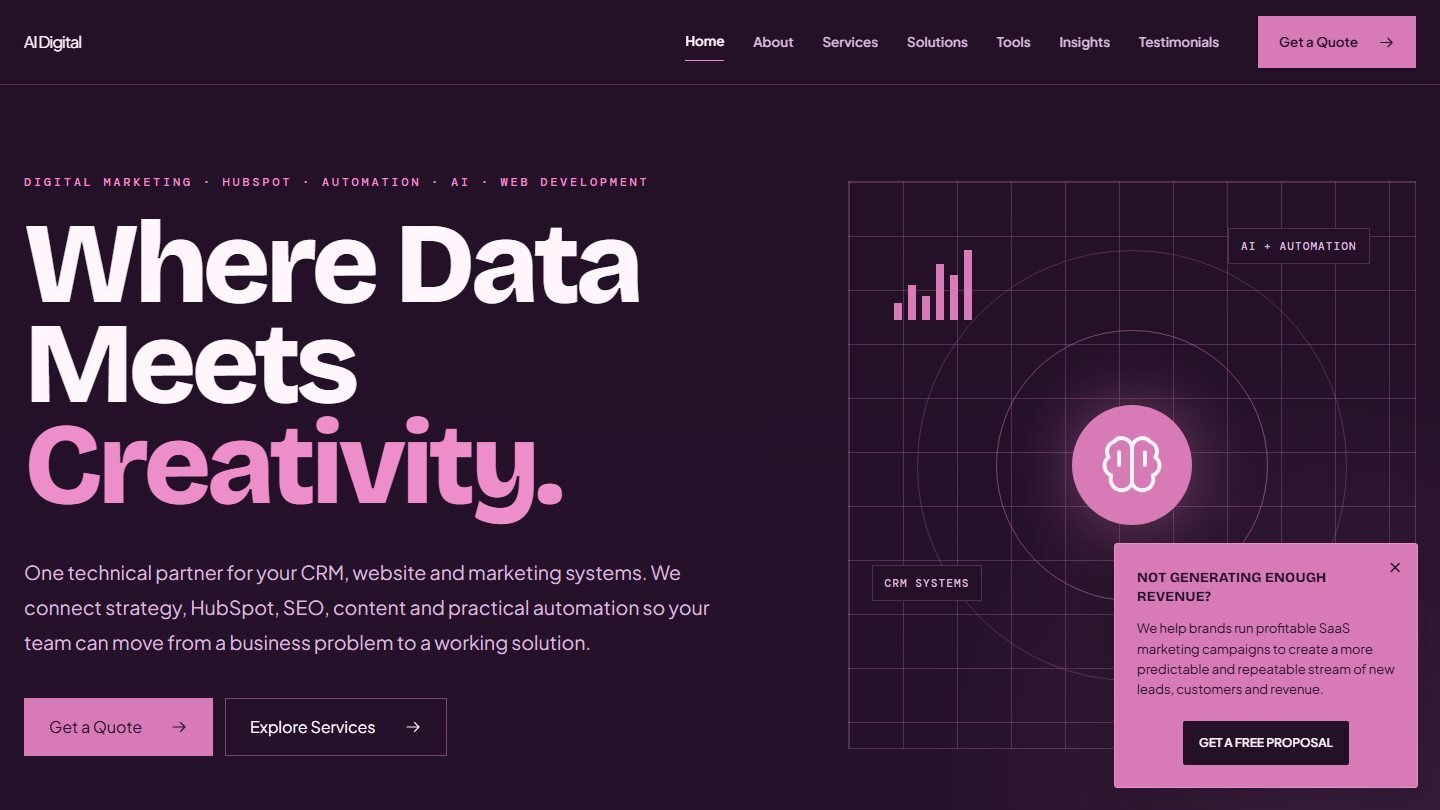
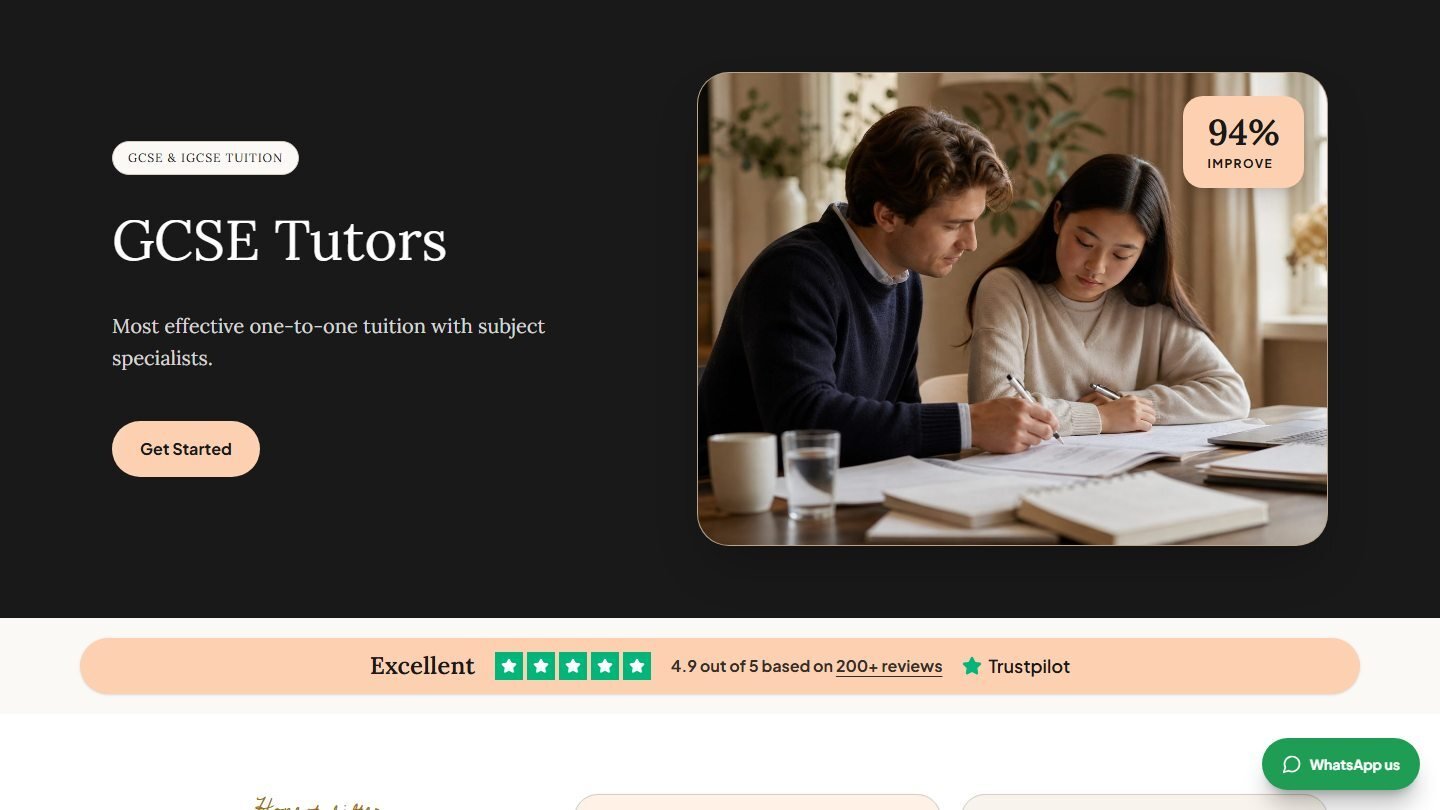
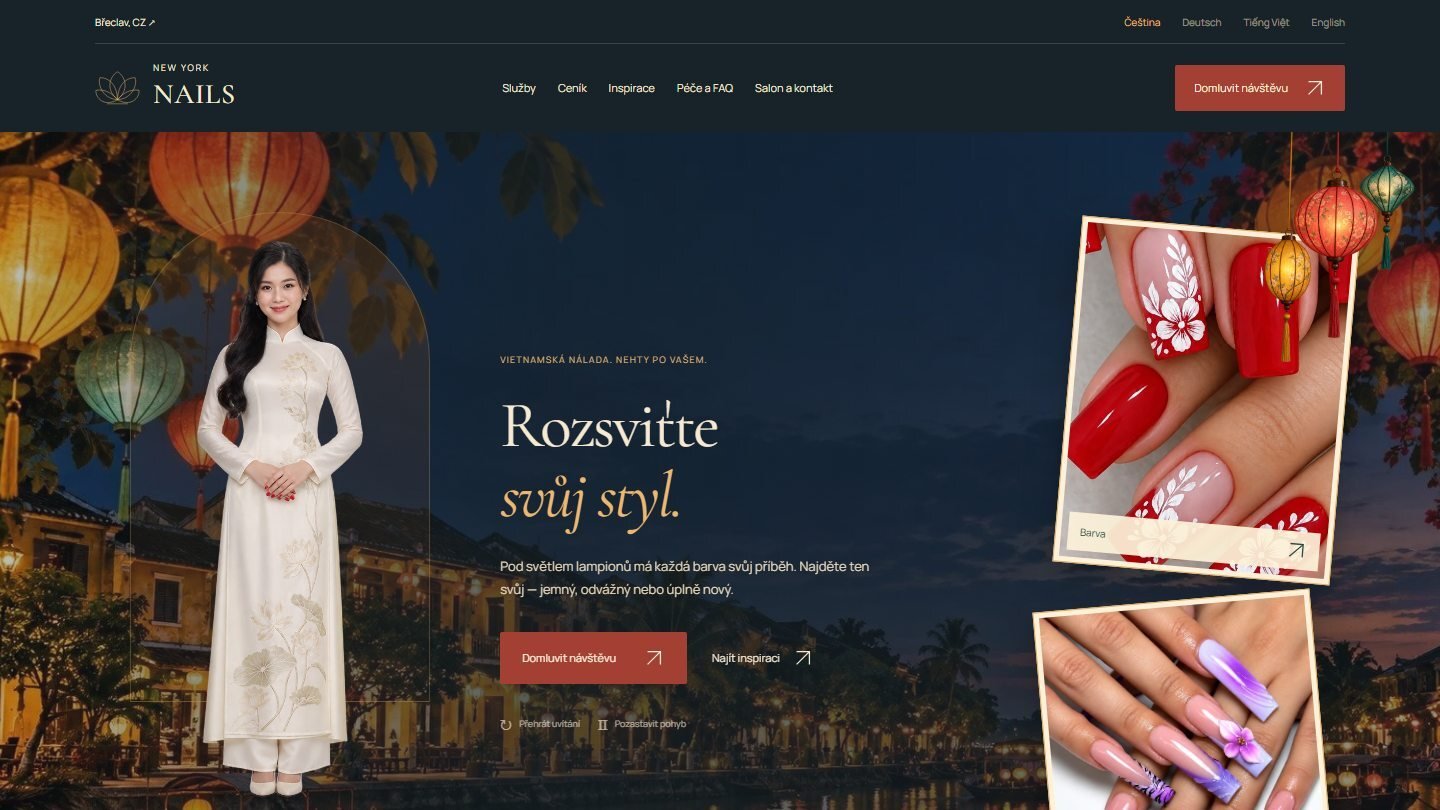
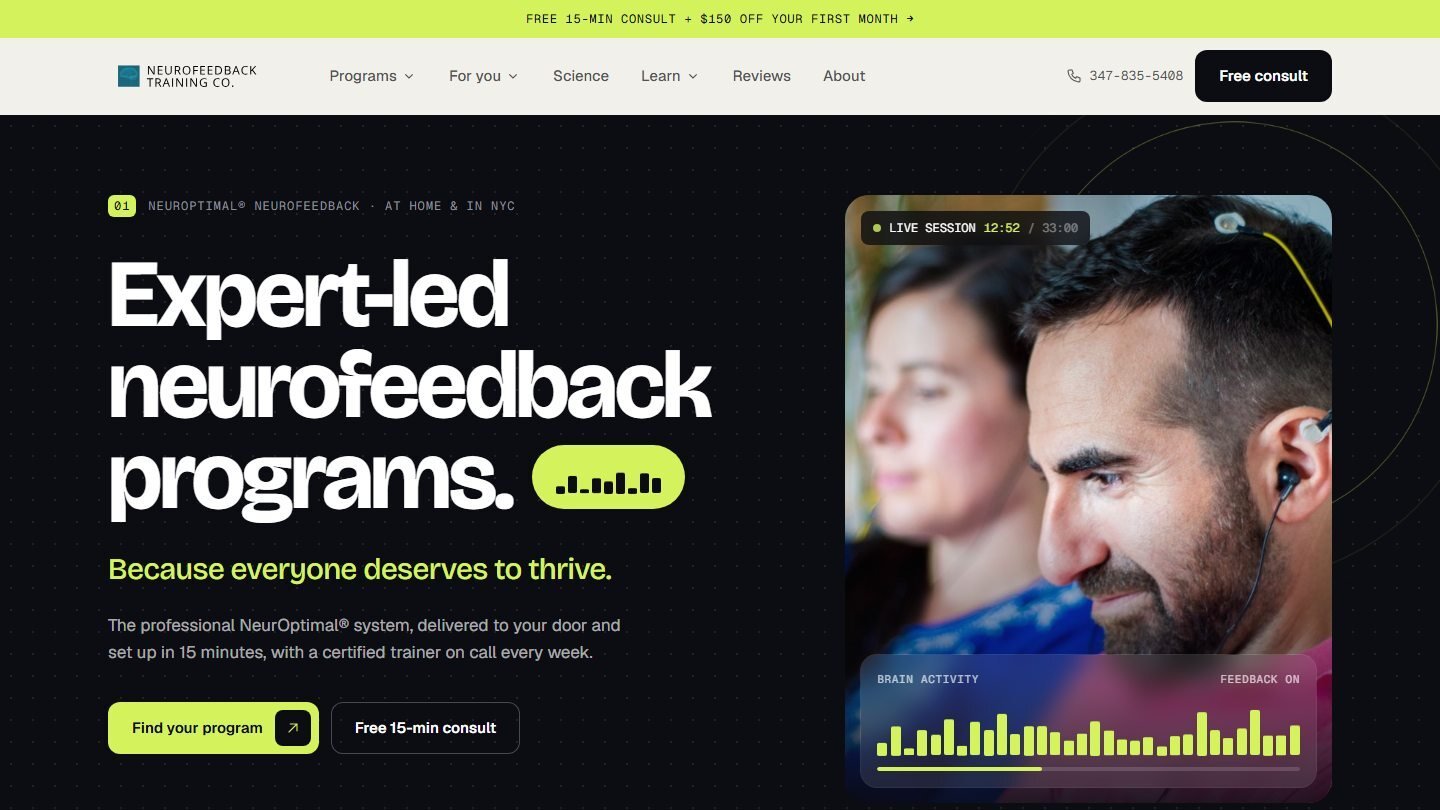
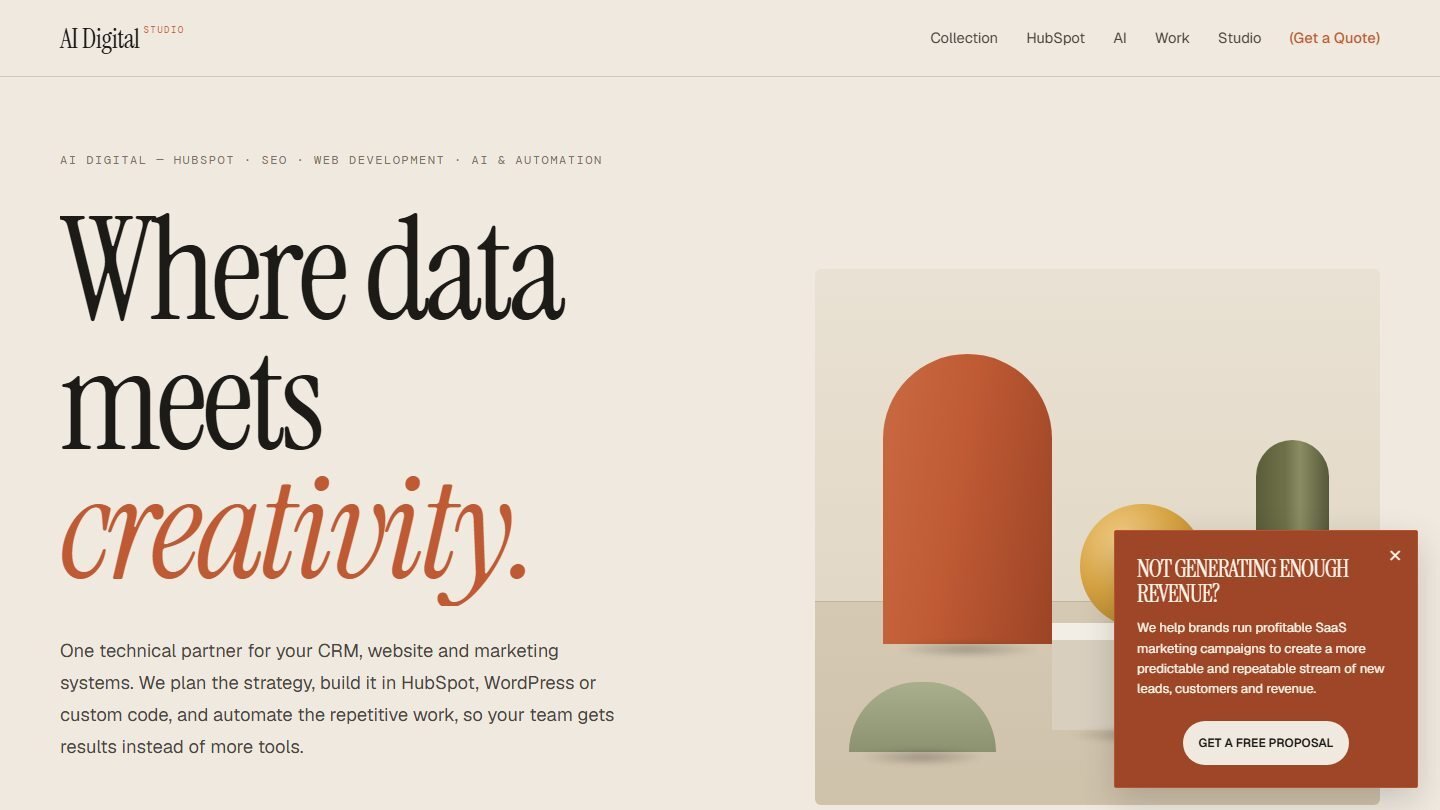
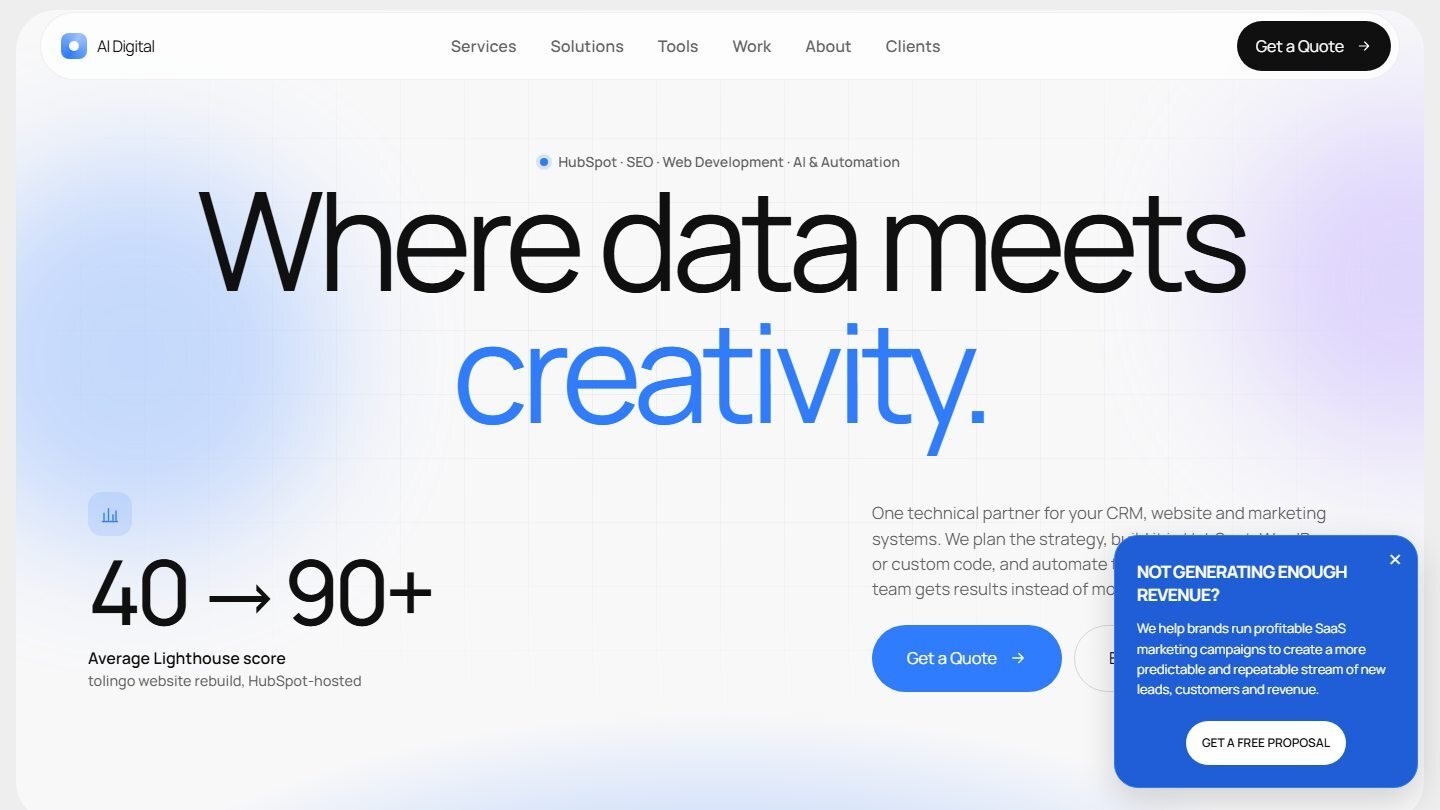
Working website designs, not screenshots. Open any of them to scroll, click through and watch the animations, on desktop or phone.

What will you actually see?

A prototype you click, not a picture you imagine.

Static mockups show one screen at a time. They hide how the menu opens, how a long headline wraps on a phone and what a form does after you press send, so those questions come up during the build, when changes take longer. We design in the browser instead: you get the key pages as a working prototype that behaves like the finished site, with your real content wherever it exists.

  • Key pages designed as working pages
  • Menus, links and buttons that respond
  • Desktop, tablet and phone layouts
  • Hover states and forms you can try
  • Your real content where it exists

Where will it be built?

One design, built on the platform that fits.

The prototype doesn't tie you to a platform. Once you approve the design, we build it in the system your team will run day to day.

  • HubSpot CMS

    Fits when

    Your CRM and marketing already run on HubSpot.

    Built asA theme with templates and modules your team edits in HubSpot.

  • WordPress

    Fits when

    Your team knows WordPress or already has a site there.

    Built asA WordPress theme with editable page sections.

  • Custom code

    Fits when

    You need full control over the front end.

    Built asHand-written HTML, CSS and JavaScript.

Design and build stay with one team, so no design files are handed between companies.

How it works

Clear steps. No surprises.

Every engagement starts with a first call. If there's paid work to do, we agree the scope and price before it begins.

  1. 01

    Brief and structure

    We agree the goal, the buyers, the pages you need and the content you already have, then map the site's structure.

    You getA page list and site map to approve.

  2. 02

    Design the prototype

    We design the key pages as a working prototype in the browser, for desktop and phone.

    You getA private preview link to click through.

  3. 03

    Review and revise

    You and your team click through and comment in Figma, or send a short video. Each revision goes to the same link.

    You getThe design rounds agreed in the scope, then your approval.

  4. 04

    Build and launch

    We build the approved design in HubSpot CMS, WordPress or custom code, and test it before launch.

    You getA live site built from the prototype you approved.

Track record

Who we work for.

Clients
100+
Countries
16
Industries
12
Upwork Job Success
100%